What’s Improved?
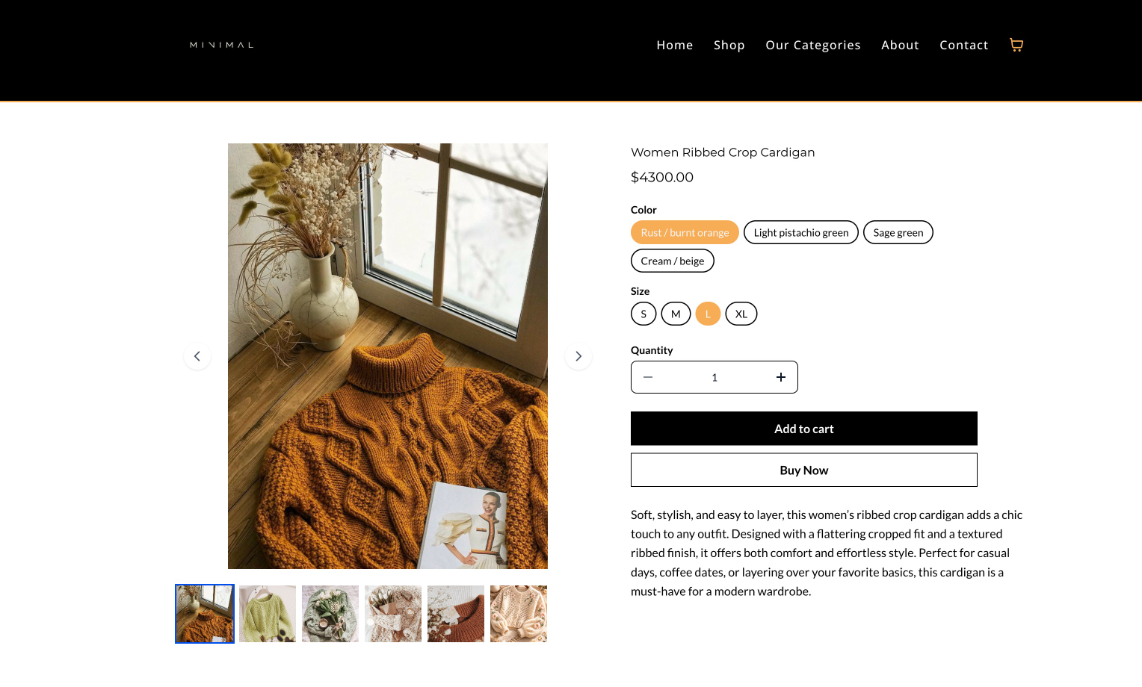
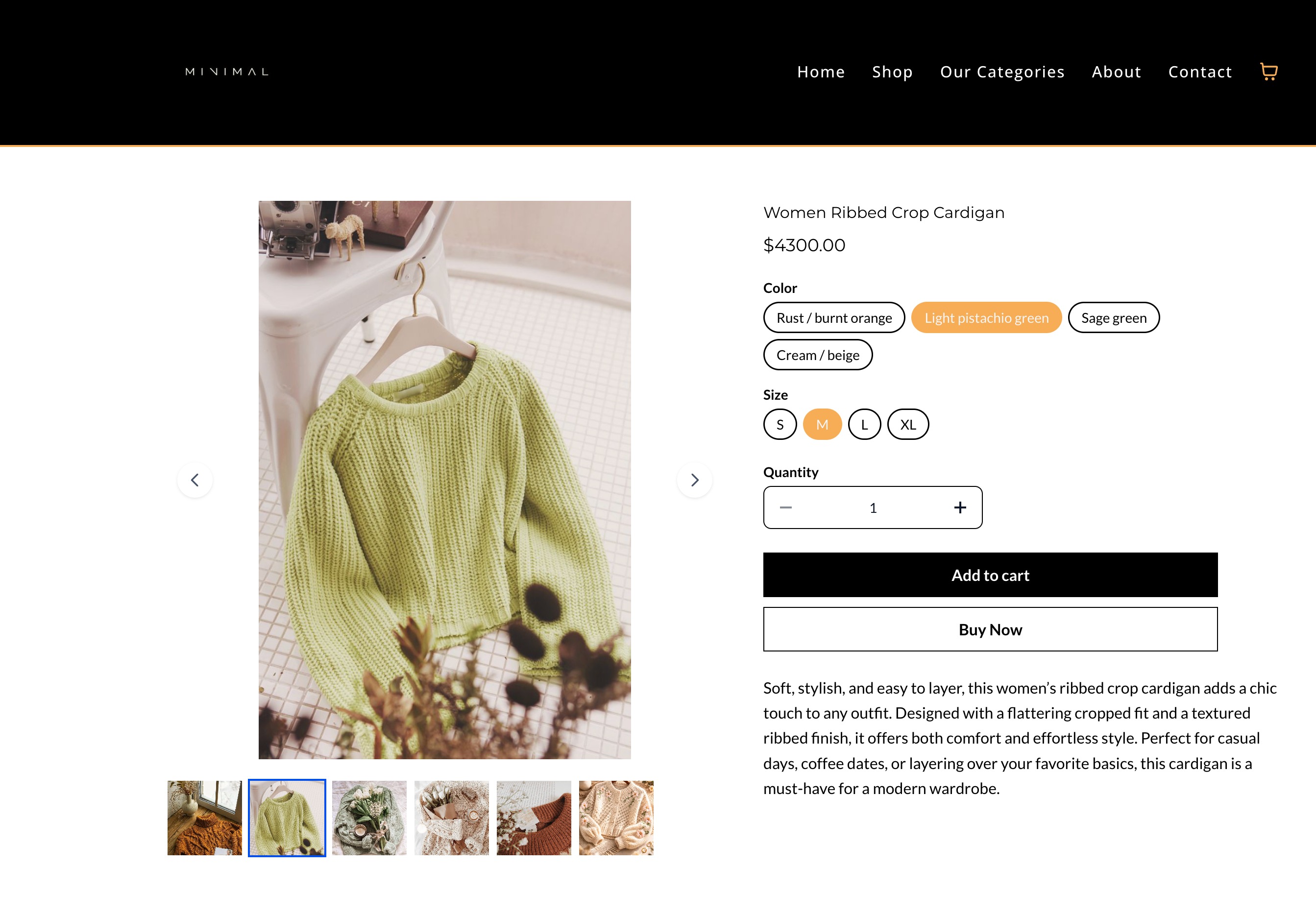
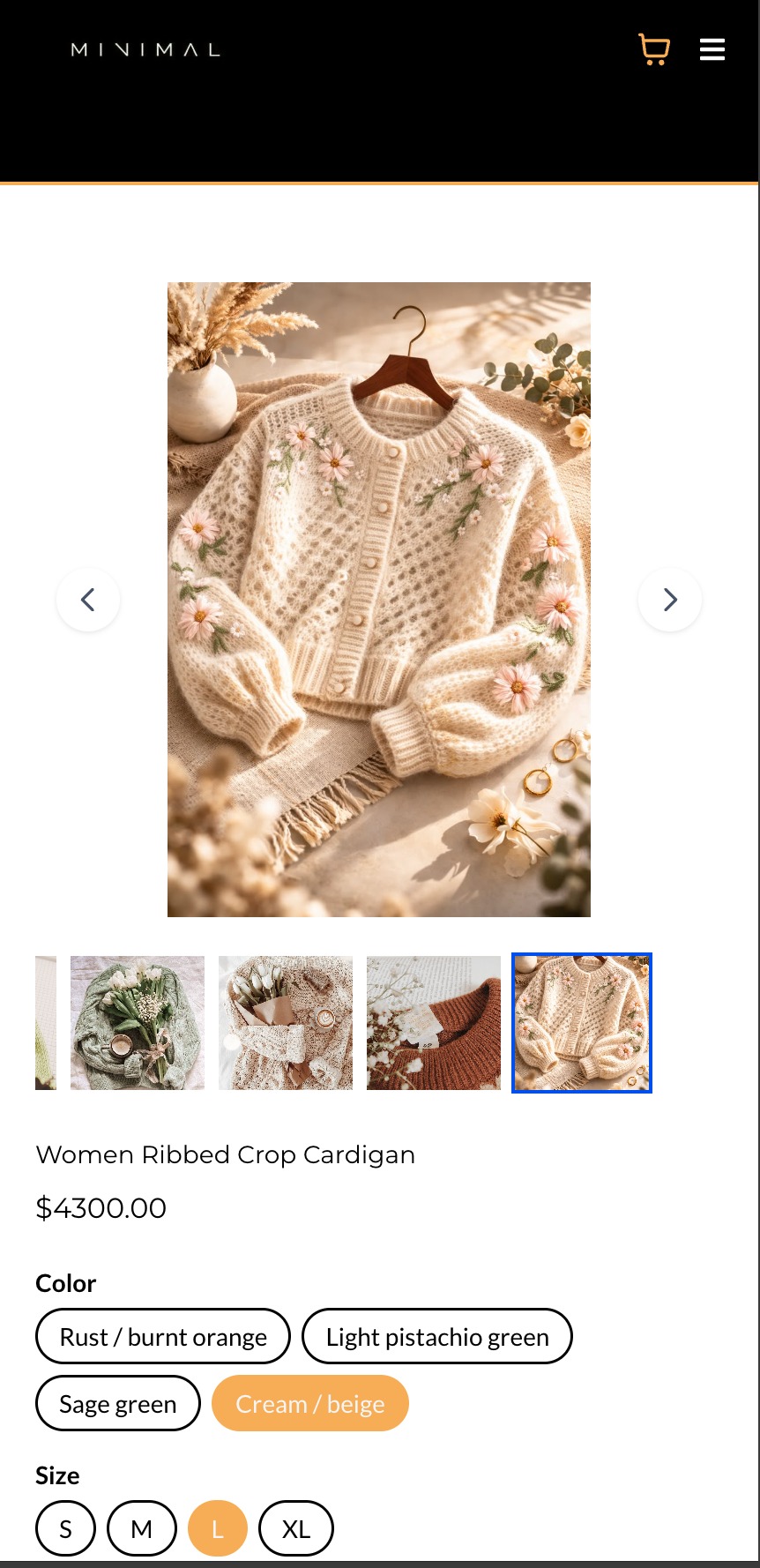
Product variants and images are now connected on the Product Details Page (PDP). When customers select a variant, the product image automatically updates to the image assigned to that variant, creating a clearer and more intuitive shopping experience.
Variant → Image Sync
- When a customer selects a variant, the product image automatically updates to the image assigned to that variant (if available).
- The assigned image becomes the active image in the gallery or carousel.
Key Points to Note:
- Works with Stack Carousel and Stack Gallery layouts.
- Two-Column layout behavior remains unchanged.
- If a variant has no assigned image, the displayed image will remain the same.
Images:
Was this article helpful?
That’s Great!
Thank you for your feedback
Sorry! We couldn't be helpful
Thank you for your feedback
Feedback sent
We appreciate your effort and will try to fix the article